How to Proofread by Listening: Use Read-Aloud to Catch the Errors Your Eyes Skip
Have your computer read your draft aloud while you follow on screen. A text-to-speech voice reads exactly what you typed, so doubled words, missing words and broken sentences stand out. Here is what it catches, what it misses and the routine around it.
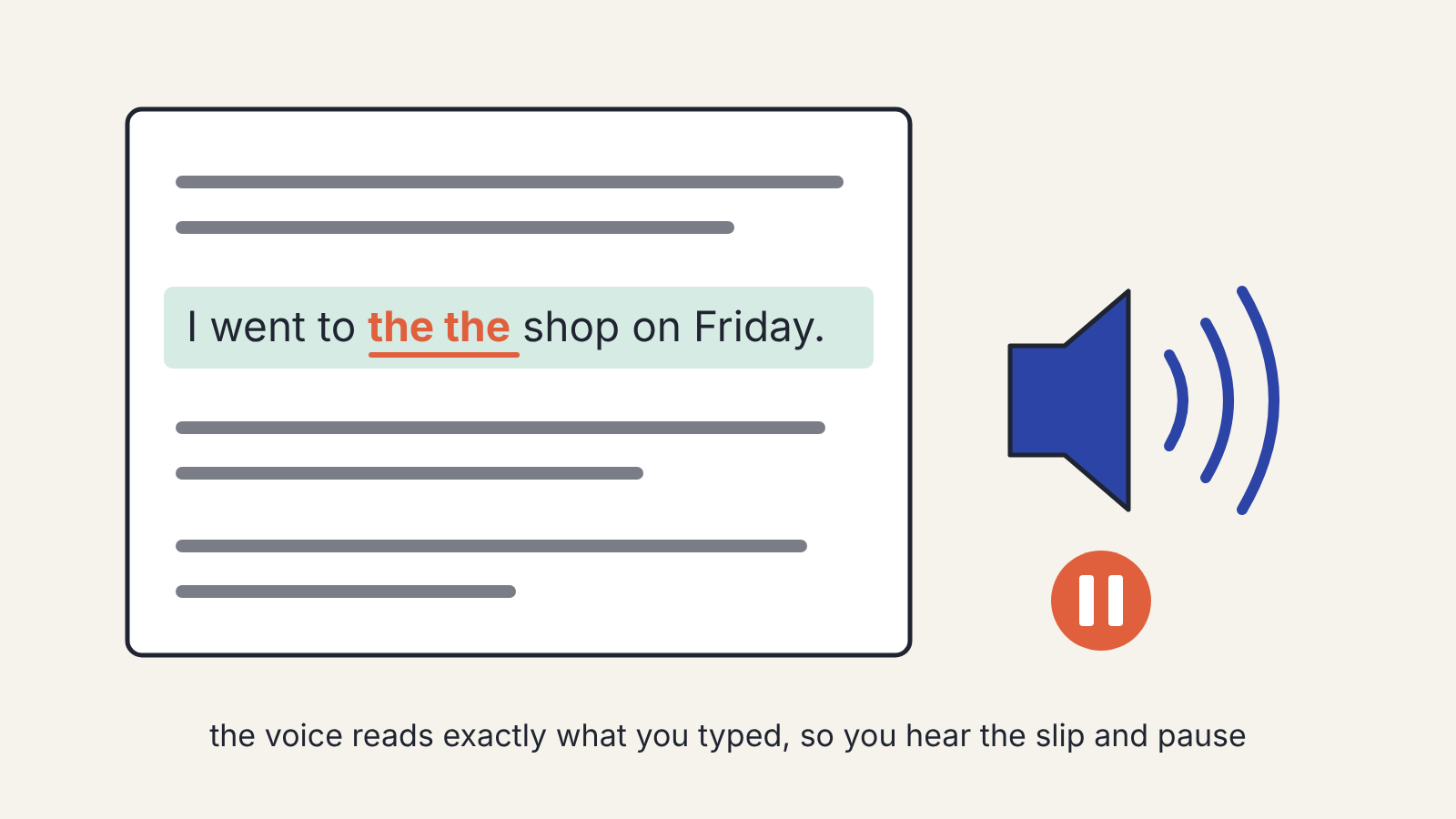
The quickest way to catch the mistakes you keep missing in your own writing is to stop reading it and listen to it. Have your computer read the draft aloud with a text-to-speech voice while you follow along on screen, and stop it every time something sounds wrong. A synthetic voice reads exactly what is on the page, so it trips over the doubled words, missing words and broken sentences that your eyes quietly fix for you.
It won't catch everything. Words that sound alike still sound alike, so a listening pass works best as one step in a short routine, alongside a grammar checker and your own final read.
Why your eyes miss your own errors
When you reread your own writing, you already know what it is supposed to say. Your brain fills in the missing "to", skips the second "the", and reads the sentence you meant rather than the one you typed. This is why the typo you find in a published post was invisible in the five rereads before it went out.
Reading aloud yourself helps, but you'll still smooth over the gaps as you speak, because you know the sentence. A text-to-speech voice doesn't know anything. It reads "I went to the the shop" exactly that way, and the stumble is hard to miss.
What you need
Almost every writer already has a read-aloud tool. Look in three places:
- Your word processor or writing app. Many have a read-aloud or speak command in a review or accessibility menu.
- Your operating system's accessibility settings, which usually include a way to have selected text spoken.
- Your browser, if you write in a web app, through a built-in reader or an extension.
You don't need a natural-sounding voice. A flat, slightly robotic voice is often better, because it doesn't smooth over awkward phrasing the way a human reader would.
Step 1: Finish the edit first
Listening is for proofreading, the last stage before a piece goes out. Do it after the structural and line edits, not before, or you'll spend time polishing sentences you later cut. If the draft started life with help from an AI assistant, do the three editing passes for an AI-assisted draft first; the listening pass then catches what slipped through.
Step 2: Set it up so you can stop instantly
Work in short sections, a few paragraphs at a time. Select a section, start the voice, and keep your hand on the pause key. Set the speed a little slower than normal at first. Once you're used to it, many people find normal speed works fine; very fast speech makes it too easy to drift.
Keep the text on screen and follow it as you listen, with the reading highlight switched on if your tool has one. You want your eyes and ears on the same word.
Step 3: Listen for stumbles
Every time the voice stumbles, pause and fix it. The things listening catches best:
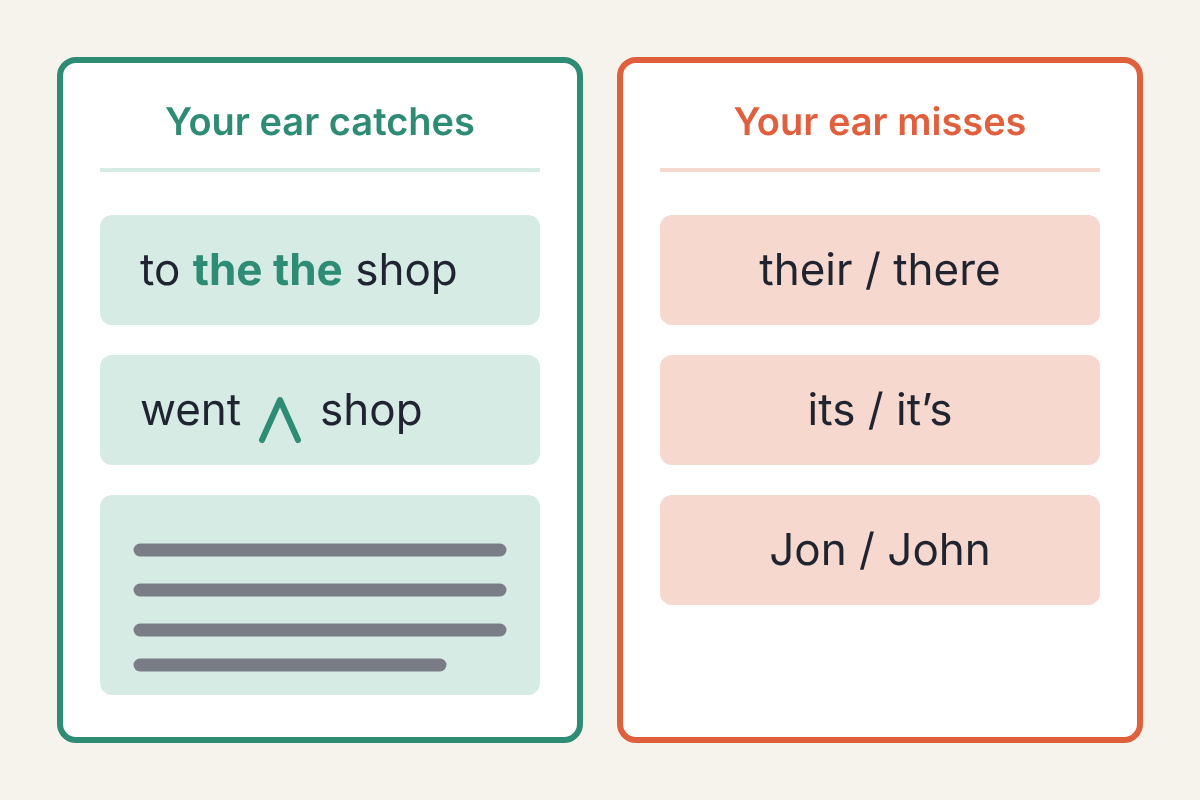
- Doubled words: "the the", "to to", "and and".
- Missing words, especially small ones like "a", "of" and "not". A missing "not" turns the sentence into its opposite, and it's one of the easiest slips to read past.
- Leftovers from editing: half of an old sentence still attached to the new one, or a word you meant to delete.
- Sentences that run on. If the voice seems to go on forever without a breath, the sentence probably needs splitting.
- Repetition. Hearing the same word three times in a paragraph is far more noticeable than seeing it.
- Clumsy rhythm: a string of sentences that all start the same way or all have the same length.
You'll also hear places where the meaning is unclear. If you have to replay a sentence to understand it, so will your readers.
Step 4: Check what your ear can't hear
Listening has blind spots, and they are predictable. Anything that sounds right when spoken passes straight through:
- Sound-alike words: their, there and they're; its and it's; your and you're; affect and effect.
- Misspelled names that a voice pronounces the same way.
- Wrong numbers that are still real numbers: "fifteen" when you meant "fifty" will sound fine if you weren't paying attention.
- Punctuation that doesn't change how the sentence sounds, such as a missing apostrophe.
A grammar checker is good at the first group, so run one after the listening pass. Names and numbers need a deliberate check against your source. If they came from an interview, check them against the recording, the same way you would check a quote; turning an interview transcript into an article covers that step.
Step 5: Do one last read with your eyes
After the fixes, read the piece once more on screen, start to finish, at a normal pace. Each method catches things the other misses, and fixes made during the listening pass can introduce new slips of their own. This final read is short because most of the problems are already gone.
Where an AI assistant fits
You can ask an assistant to "proofread this", and it will often find real errors. The problem is that it also tends to change things that weren't wrong: a word choice you made on purpose, a sentence fragment you wanted, a regional spelling. If you use one at this stage, give it a narrow job that points rather than rewrites: "List any doubled words, missing words or sound-alike word errors in this text. Quote each one. Don't change anything else." Then fix the ones you agree with yourself.
If you have a personal style sheet for AI edits, paste it in too, so the assistant knows that your fragments and one-line paragraphs are deliberate.
A routine you can repeat
For most pieces, the whole proofread takes a few minutes per thousand words:
- Listen to the text in short sections and fix every stumble.
- Run a grammar checker for sound-alike words and punctuation.
- Check names, numbers and quotes against your sources.
- Read it through once more with your eyes.
The listening step is the one most writers skip, and it's the one that catches the errors they would otherwise publish.
